

About BiColor – Vision Trainer
BiColor – Vision Trainer is an independent Windows vision training app built around interactive games and anaglyph glasses. The project was created to offer a more varied, game-based format for short visual practice at home.
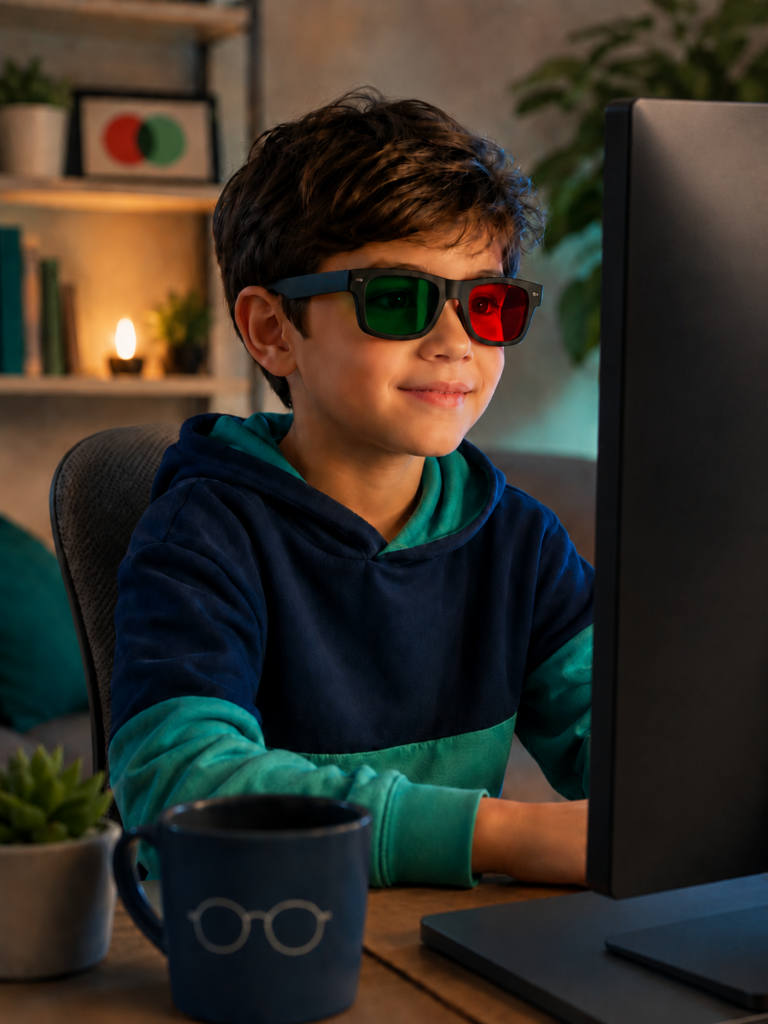
Making Lazy Eye Practice Less Routine
Repetitive visual exercises can be difficult to maintain, especially when the activities feel static or monotonous. BiColor was created to add movement, choice, and clear goals through short interactive games.
The idea is not to replace professional eye care, but to give children, adults, and parents a more familiar PC-based format for supportive visual practice at home.
The Story Behind BiColor
The idea for BiColor began in 2017 as a diploma project inspired by personal experience with amblyopia and repetitive vision training exercises.
What started as an early prototype gradually developed into a modern Unity project. Over the following years, BiColor received a redesigned interface, a growing collection of games, adjustable anaglyph settings, and a commercial release on Steam.
Original Diploma Project
The first version of BiColor was created in 2017 as a diploma project. It was an early prototype based on game-style visual exercises and anaglyph glasses.
This version was not released commercially, but it established the main idea behind the future application.
Rebuilt in Unity
In 2021, BiColor was rebuilt using the Unity game engine. The new version provided a more flexible technical foundation for developing games, interfaces, and adjustable visual settings.
Commercial Steam Release
In 2025, BiColor – Vision Trainer was released on Steam as a Windows vision training app.
The commercial version combined interactive games, anaglyph glasses support, adjustable difficulty, and a one-time purchase model with no subscription.
Visual and Interface Redesign
After release, BiColor received a major visual and user interface update. Menus, controls, and game screens were redesigned to make the app cleaner, more consistent, and easier to navigate.
Star Crab and Language Expansion
In May 2026, BiColor added Star Crab, a new 3D game with arcade-style movement and obstacles. Simplified Chinese was also added, expanding the number of supported interface languages.
Bricks and Microsoft Store Release
In August 2026, BiColor added Bricks, a new falling-block mini-game for short visual practice sessions. BiColor – Vision Trainer was also released on the Microsoft Store, giving Windows users another way to purchase, install, and receive updates.
More Games and Improvements
Future development will focus on expanding the collection of games, improving existing features, and making the setup and user experience more convenient.
Planned ideas range from simple arcade-style activities to more varied 2D and 3D game concepts.
Why BiColor Uses Short Games
Different games can create different types of interactive visual tasks. In one game, the player may follow moving objects; in another, they may react to obstacles, select targets, or control a character.
Switching between activities adds variety and clear goals to visual practice. BiColor is designed as a collection of short games rather than one long game or a single repeated exercise.
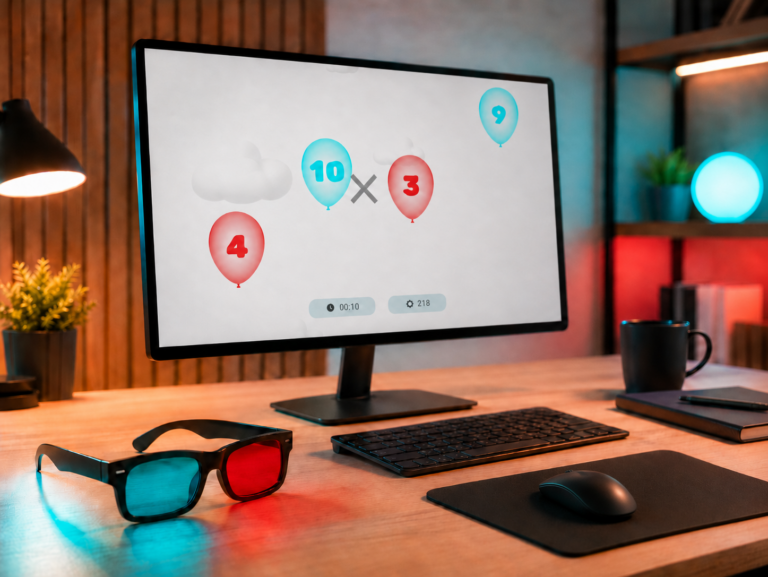
A Modern Windows App for Anaglyph-Based Practice
Anaglyph-based vision training software has existed for many years, but some older programs were designed for legacy computer systems or use interfaces that may feel unfamiliar to modern PC users.
BiColor – Vision Trainer was developed for current Windows PCs with clear navigation, simple controls, adjustable anaglyph glasses setup, and a growing collection of interactive games. No VR headset or specialized 3D display is required.
One-Time Purchase
BiColor – Vision Trainer is available as a one-time purchase through Steam and the Microsoft Store. Choose your preferred Windows storefront to purchase, install, and receive updates. There is no subscription, recurring payment, or hidden monthly fee.
Explore More About BiColor
Learn more about the games included in BiColor, choose compatible anaglyph glasses, or contact the developer with a question or suggestion.
Start Game-Based Visual Practice with BiColor
Get BiColor – Vision Trainer on Steam or from the Microsoft Store and explore interactive lazy eye games using a Windows PC and compatible anaglyph glasses.


One-time purchase · No subscription · Windows PC · Anaglyph glasses required