

A Lazy Eye Game for Home Vision Training
BiColor – Vision Trainer is a Windows lazy eye game that turns visual practice into short, interactive sessions. It uses anaglyph glasses to show selected game elements differently to each eye.
Designed for children and adults, BiColor provides a simple game-based format for at-home practice. It is available on Steam and the Microsoft Store as a one-time purchase with no subscription.
What is BiColor – Vision Trainer?
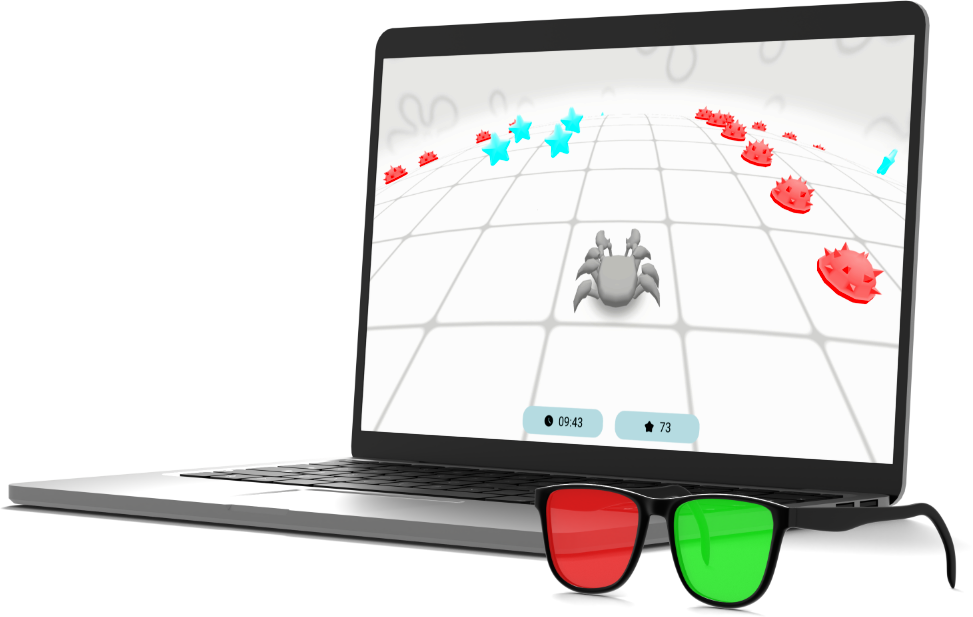
BiColor – Vision Trainer is a game-based vision training app for Windows PC. It combines interactive games, adjustable color-separated elements, and anaglyph glasses to create short sessions for lazy eye support at home.
Instead of relying only on static exercises, players follow moving targets, react to objects, and complete clear game goals. The built-in setup allows the image to be adjusted for red-blue, red-cyan, or red-green anaglyph glasses.
BiColor can be used as a supportive part of a visual practice routine, but it is not a medical device and does not replace diagnosis, treatment, or guidance from an eye care professional.
See BiColor – Vision Trainer in Action
Watch a short overview of BiColor – Vision Trainer. The video shows the interface, anaglyph glasses setup, and examples of the interactive lazy eye games included in the app.
How to Start Vision Training at Home

Get BiColor – Vision Trainer
Buy and install BiColor – Vision Trainer on your Windows PC through Steam or the Microsoft Store. It is available as a one-time purchase with no subscription.

Set Up Your Anaglyph Glasses
Put on compatible red-blue, red-cyan, or red-green anaglyph glasses. Select the lens colors and positions, then calibrate the image using the built-in setup.

Choose a Game
Select one of the included games and follow its on-screen objectives. If BiColor is part of a professional care plan, follow the session guidance provided by your eye care specialist.
What Glasses Do You Need for BiColor?

BiColor – Vision Trainer requires anaglyph glasses with two colored filters. It supports red-blue, red-cyan, and red-green glasses in either left-right orientation.
In the Anaglyph Glasses Setup, select the color and position of each lens, choose the weaker eye, and calibrate the image for your glasses and monitor. When using red-cyan glasses, select Blue for the cyan lens.
If you wear prescription glasses, clip-on anaglyph glasses are usually the most convenient option. Larger anaglyph frames may also be worn over regular glasses if they remain comfortable.
How BiColor Uses Anaglyph Glasses
Color Separation Between the Eyes
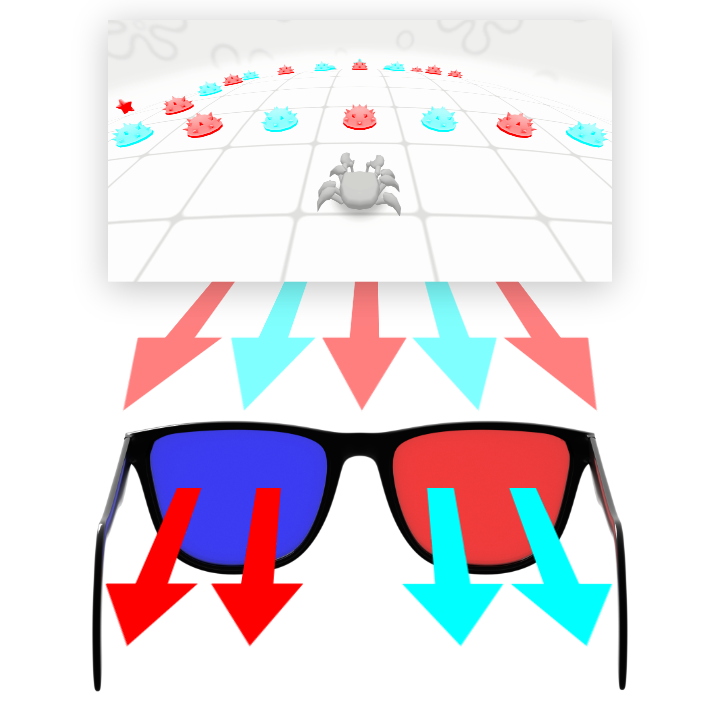
Each lens filters selected colors, allowing BiColor to present certain game elements differently to the left and right eyes.
Eye-Specific Game Elements
Targets and other interactive objects can be assigned according to the selected lens colors, lens positions, and weaker-eye setting.
Interactive Visual Tasks
Players follow, select, avoid, or react to moving objects. The game-based format adds variety and clear goals to short visual practice sessions.
Lazy Eye Mini-Games Included in BiColor
BiColor – Vision Trainer includes a growing collection of short games for visual practice with anaglyph glasses. Each game has its own objectives, controls, and style of play.
Bricks
Move and rotate falling blocks, clear lines, and build your score in Bricks—a lazy eye mini-game for short vision training sessions with anaglyph glasses.

Star Crab
Collect stars, avoid mines, and jump over obstacles in an ocean-themed arcade game. Star Crab combines target tracking, quick reactions, and movement control in short game sessions.

Duck Runner
Guide a duck through a side-scrolling endless runner. Jump over obstacles, collect coins, and adapt as the game gradually becomes faster.
Who Can Use BiColor – Vision Trainer?
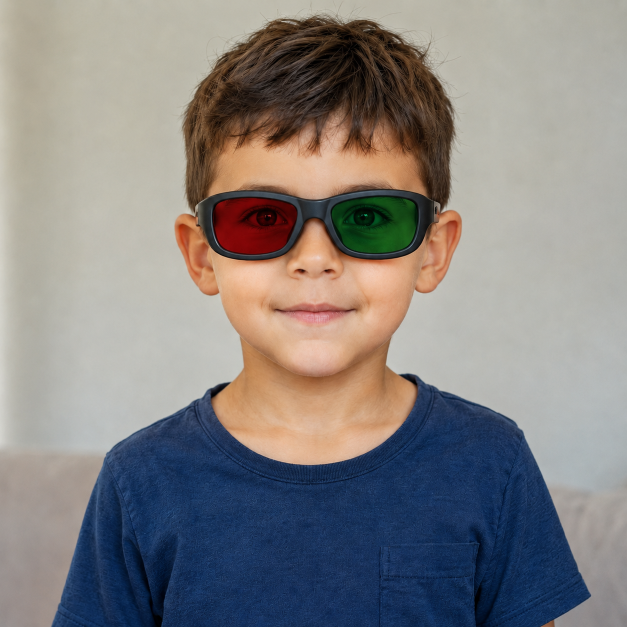
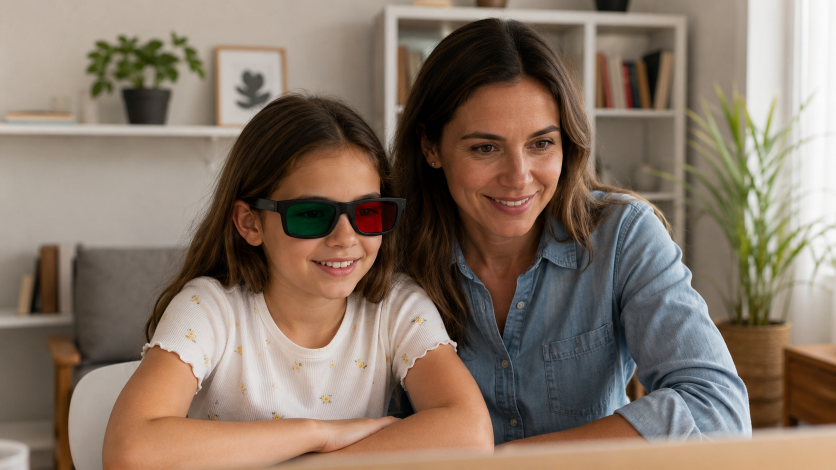
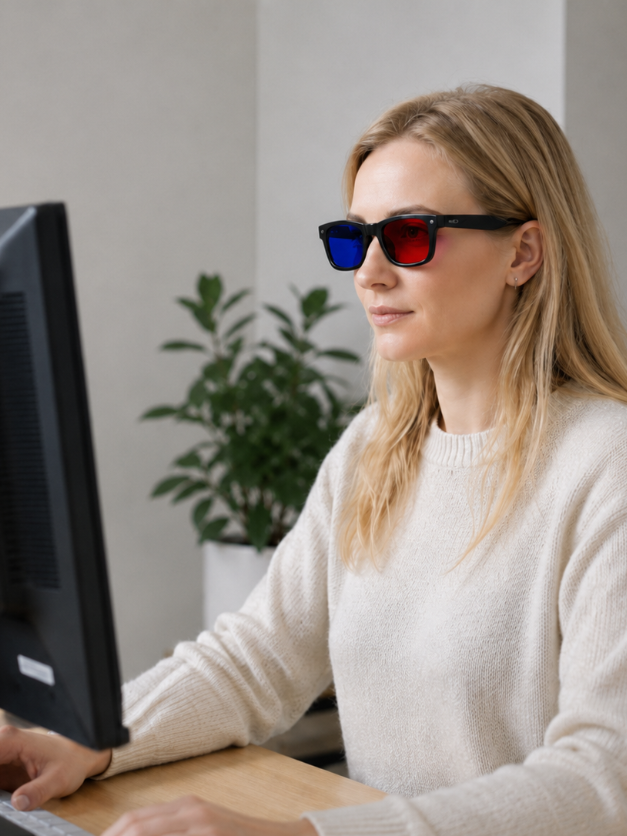

Children
BiColor uses colorful visuals, simple controls, and clearly defined game objectives. Younger children should use the app with help from a parent or caregiver when setting up the glasses and selecting a game.

Adults
Adults can use BiColor as a structured, game-based format for at-home visual practice. The app runs on a standard Windows PC and does not require a VR headset.

Parents and Caregivers
Parents can manage the glasses settings, help children understand the game objectives, and supervise sessions. BiColor should complement—not replace—professional eye care when a diagnosed vision condition is involved.
Why Choose BiColor for At-Home Vision Training?
Frequently Asked Questions About BiColor
Start Game-Based Visual Practice with BiColor
Get BiColor – Vision Trainer on Steam or from the Microsoft Store and explore interactive lazy eye games using a Windows PC and compatible anaglyph glasses.


One-time purchase · No subscription · Windows PC · Anaglyph glasses required